How to Score in La Vieja Contra el Dibu: Penalty Kick Tips
Learn how to aim, charge the power, handle daily accuracy, and beat the goalkeeper on mobile or desktop.
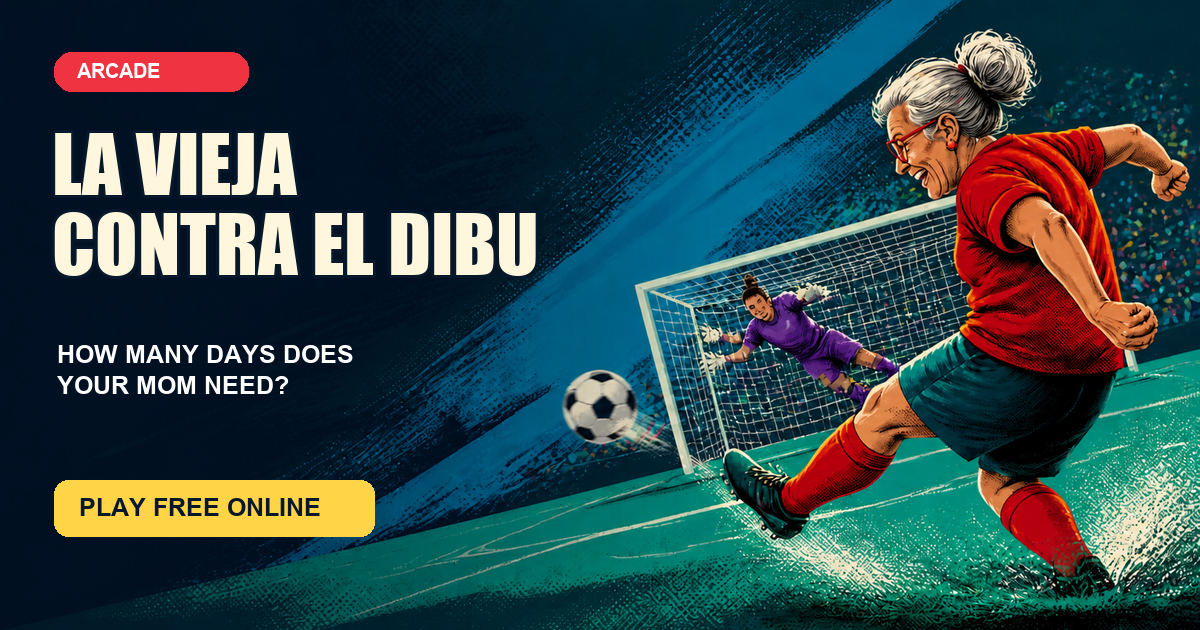
La Vieja Contra el Dibu looks like a very simple penalty kick game: choose a point, hold the button, and release. The difficulty comes from combining those choices. Your shot can drift, the goalkeeper can read your intention, and maximum power is not always the best power. This guide explains how the system behaves so you can make better decisions without pretending that any trick guarantees a goal.
If you have not started yet, play La Vieja Contra el Dibu online for free, then return to this checklist between attempts.
1. Aim away from the center
Click or tap inside the goal to place the target. A central shot gives the goalkeeper a short route to the ball. A target closer to either post creates more distance and earns better placement quality, but aiming on the very edge is risky because daily inaccuracy can push the actual shot wide.
Use a target in the outer third of the goal with a small safety margin from the post and crossbar. Early in a run, leave more room. On later days, when accuracy has improved, you can select a more ambitious corner. This balanced approach is more useful than tapping the most extreme pixel every time.
2. Charge strong power, not maximum power
Hold the kick button and watch the bar rise and fall. The most reliable strong area is roughly 75–92%. A shot in this zone travels with enough force while keeping its vertical drift under control. Releasing too early produces a weak effort that is easier to reach. Waiting for 100% can lift the ball over the goal.
Do not stare only at the number. Learn the rhythm of the moving bar and release slightly before the point you want. On a phone, keep the finger steady instead of sliding over the screen. On desktop, hold the primary mouse button and release cleanly. The input method changes, but the power calculation does not.
3. Understand daily accuracy
The daily penalty challenge deliberately begins with a loose shot pattern. Accuracy improves after each unsuccessful day and eventually levels out. Your selected marker is always the intention, not a promise of the ball's exact destination.
That means an early miss is not necessarily bad technique. Keep choosing sensible targets and controlled power. As the days advance, the random error becomes smaller and the ball follows your aim more closely. Restarting creates a fresh session at Day 1, so use Restart only when you actually want to abandon the current improvement curve.
4. Make the goalkeeper travel
The goalkeeper often predicts the general area you selected, then combines that read with a random decision. He may cover the correct side without reaching a well-placed shot, or choose another zone entirely. You cannot wait to see his movement because the result is calculated when you release.
The practical response is to make every save difficult. Aim outside the central lane, use enough power, and alternate between the left and right sides. Changing direction does not create a secret bonus, but it prevents your own routine from becoming careless and makes you reconsider the best target for the current accuracy.
5. Recognize the three outcomes
Every attempt ends as a goal, a save, or a miss. A save means the ball stayed in the goal area and the goalkeeper reached it. A miss usually means the combination of target, shot error, and power carried the ball outside. A goal means the shot remained on target and escaped the goalkeeper's reach.
A perfect shot badge appears for an especially strong combination of placement, power, and overall quality. It improves your chance, but the goalkeeper remains part of the challenge. Treat the badge as feedback about the technique, not as the only route to scoring.
Mobile and desktop controls
This browser soccer game uses the same two actions on every device. On mobile, tap the goal, then press and hold the power button with one finger. On a computer, click the goal, hold the button with the mouse, and release. The page requires no download, controller, keyboard shortcut, or account.
If touch input feels imprecise, make sure the page is not zoomed and tap inside the visible white frame. If the mouse slips during charging, keep the pointer over the button until release. Your current day and best result are stored on that browser, so switching the site language does not reset the game.
Quick penalty kick checklist
- Choose the outer third of the goal, not the exact edge.
- Leave extra margin during the first days.
- Aim for roughly 75–92% power.
- Avoid making every shot at 100%.
- Alternate sides when a pattern feels stale.
- Read a save and a miss differently.
- Continue the current run to benefit from daily accuracy.
- Restart only when you want a completely new session.
There is no guaranteed way to beat the goalkeeper on demand, and that uncertainty is the joke behind the game. Good decisions make a goal more likely; patience lets the daily accuracy do the rest. Return to the penalty kick game, take another attempt, and share the number of days when your mom finally scores.